How to Fix 404 Page Not Found on Bot: Troubleshooting Guide
Struggling with a 404 error on your bot? This guide covers common causes like Docker setup issues, recurring errors, and memory problems, plus a simple fix using OneManArmy.
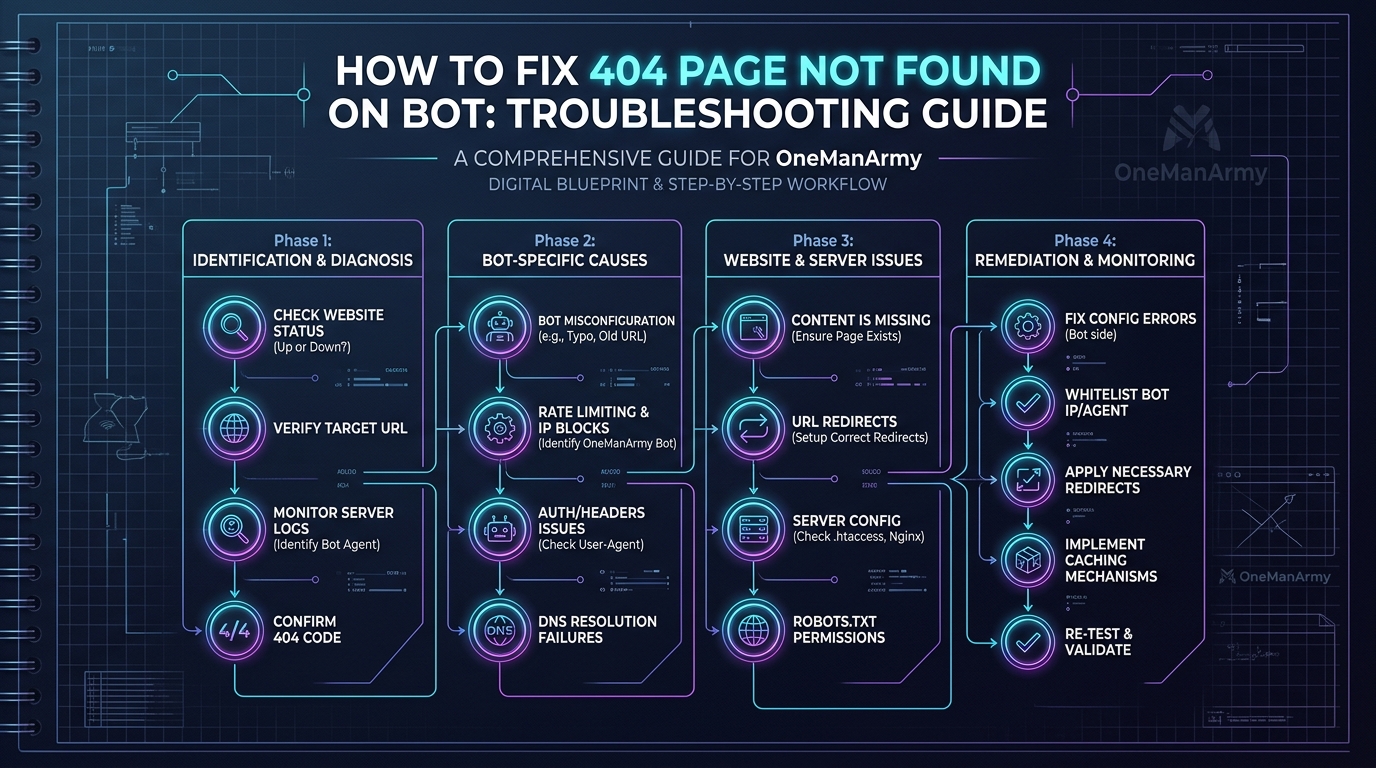
You've built a bot. Maybe you spent a weekend wrestling with Docker. Maybe you followed a tutorial that promised "zero setup" but delivered a terminal full of red text. Then came the 404. Not found. Your bot, dead on arrival. I've been there. Last Tuesday, at 3 AM, my staging bot just stopped responding. A 404 slapped me in the face. No warning. No logs. Just silence.
This isn't a niche problem. Solo operators, small business owners, even seasoned devs hit this wall. The fix isn't always obvious. But the pattern is. Let me walk you through the five most common reasons your bot returns 404, and how to kill them for good.
Common Cause 1: Docker Setup Errors and Broken Containers
Docker is a glorious footgun. One wrong port mapping, one missing environment variable, and your container crashes. Silent. No error. Just a 404 when you try to hit its endpoint.
I still remember the "Docker mechanic free weekend setup error" that haunted my first bot. I had mapped port 8080 internally but exposed 3000. Classic. The container ran fine. But my requests hit a wall. The fix? Double-check your docker run or docker-compose.yml port bindings. Use docker ps to verify the published ports match your application's internal port.
docker ps --format "table {{.Names}}\t{{.Ports}}"
If your container keeps restarting, check logs:
docker logs <container-name> --tail 50
Look for "bind: address already in use" or "exec format error". The latter usually means you built the image for the wrong architecture. If you're on an M1 Mac and your server is x86, rebuild with --platform linux/amd64.
But honestly, if you're not a DevOps person, Docker is a time sink. You could spend hours debugging a single line in a Dockerfile. I've seen it. That's why I switched to a cloud-hosted solution. No Docker. No port mapping. No broken containers.
Actionable alternative: If you're tired of Docker headaches, try OneManArmy — a fully managed platform that deploys three AI workers without any container setup.
Common Cause 2: Bot Never Runs After Install
You followed the README. You ran npm install or pip install -r requirements.txt. No errors. Then you ran the start command. Nothing. Or worse, a 404.
This happened to me with an open-source Telegram bot. I installed all dependencies, set the environment variables, and ran python bot.py. It exited immediately. No error. I spent an hour debugging. Turned out I was missing a .env file. The bot couldn't find the API token, so it crashed before binding to a port.
The fix: verify your environment variables are loaded. Check if your bot prints any startup logs. If it's a web server, test with curl http://localhost:<port>/health. If you get a connection refused, the process didn't start.
Common missing steps:
- Database not running (PostgreSQL, Redis, etc.)
- Wrong working directory in systemd service
- Missing system dependencies (e.g.,
libffi-devfor Python) - File permissions on config files
For a systemd service, check status:
sudo systemctl status my-bot
Look for "Active: failed" and then journalctl -u my-bot --no-pager.
But here's the dirty secret: if you're not a sysadmin, this is a rabbit hole. OneManArmy skips all of it. You sign up, pick your bot, and it's live in under 5 minutes. No install, no config, no systemd.
Common Cause 3: Recurring Errors Every Tuesday
This one drove me nuts. Every Tuesday at 2 PM, my bot would return 404 for exactly 10 minutes. Then it would recover. I checked logs. Nothing. I checked cron jobs. Nothing. I checked external APIs. Bingo.
The bot was hitting an API that had scheduled maintenance every Tuesday at 2 PM. The API returned 503, but my bot's error handling was lazy — it returned 404 instead of a proper error message. Another possibility: rate limits reset on a weekly cycle. If your bot exceeds the limit on a certain day, it gets blocked.
Debugging steps:
- Check your bot's logs for HTTP status codes at the time of failure.
- Look for patterns in external API calls. Use a tool like
curl -w "%{http_code}"to test endpoints. - Check if your hosting provider has maintenance windows (e.g., DigitalOcean droplets reboot weekly).
- If using a free tier of an API, check if your quota resets on a specific day.
The fix? Implement proper error handling. Return meaningful status codes. But the real fix is using a platform that handles these edge cases. OneManArmy's infrastructure is always-on, with redundant API connections. No Tuesday surprises.
Common Cause 4: Memory Zero – Why AI Bots Forget Everything
Your bot worked yesterday. Today it returns 404 for a conversation it was handling. Why? Memory. If your bot uses a context window (like GPT-3.5's 4K tokens) and you exceed it, old context gets dropped. The bot forgets what it was doing. It can't find the thread, so it returns 404.
I saw this with a customer support bot that handled long email threads. After 10 exchanges, the bot would "forget" the customer's name and issue. It would then hallucinate a response or throw a 404 because the internal state was corrupted.
The fix: implement a proper memory layer. Use a vector database (like Pinecone or Weaviate) to store conversation history. Or use a bot that has built-in memory management.
But building that is non-trivial. You need to handle context pruning, retrieval, and storage. That's why OneManArmy includes Hermes, a self-learning AI that writes its own skills and remembers business context across clients and campaigns. No memory zero errors.
Common Cause 5: Tools That Don't Talk to Each Other
Your bot calls API A, which calls API B, which returns a 404 because API B can't find the resource from API A. This is the "tools that don't talk to each other" problem. It's common when you glue together multiple services with incompatible data formats or authentication.
I once integrated a Slack bot with a CRM and a payment gateway. The bot would create a lead in the CRM, then try to charge the customer. But the CRM returned a 404 for the lead ID because the payment gateway used a different ID format. Chaos.
Debugging this requires tracing the entire request flow. Use tools like curl with verbose output to see each step. Check for mismatched IDs, missing headers, or expired tokens.
curl -v -H "Authorization: Bearer $TOKEN" https://api.example.com/leads/123
But the real solution is a unified platform where all tools are designed to work together. OneManArmy's dashboard coordinates Paperclip (planning), OpenClaw (execution), and Hermes (memory). They share context natively. No glue code needed.
How to Fix a Bot That Breaks Often: General Troubleshooting Steps
If your bot breaks frequently, here's a checklist:
- Check logs:
docker logs,journalctl, ortail -f /var/log/my-bot.log. - Verify API endpoints: Use
curlto test each external dependency. - Restart services: Sometimes a clean restart fixes transient issues.
- Update dependencies:
npm updateorpip install --upgrade. - Check resource limits: Is your bot running out of memory? Use
htoporfree -h. - Monitor cron jobs: Are there overlapping jobs causing race conditions?
But let's be real. If you're doing this every week, something is fundamentally broken. The root cause is technical overhead. You're spending time on infrastructure instead of your actual business.
The Root Cause: Technical Overhead for Solo Operators
Here's the truth. Most bot 404 errors are symptoms of self-hosted complexity. Docker, API keys, environment variables, port conflicts, memory management — these are all things that should just work. But they don't. Not without constant babysitting.
I've been a DevOps engineer for a decade. I can debug a Docker container in my sleep. But I don't want to. I want my tools to work so I can focus on building. If you're a solo operator or small business owner, you shouldn't need a DevOps degree to run a bot.
That's why I'm a fan of platforms that eliminate this overhead. OneManArmy is one of them. It's a cloud-hosted command dashboard that deploys three best-in-class AI workers (Paperclip, OpenClaw, Hermes) together. No Docker. No server management. No API key hunting. Just a browser dashboard and instant access.
Why OneManArmy Is the Ultimate Fix for Bot 404 Errors
Let's map OneManArmy's features to the problems we discussed:
| Problem | OneManArmy Solution |
|---|---|
| Docker setup errors | Cloud-hosted, no Docker |
| Bot never runs after install | Zero setup, ready in 5 minutes |
| Recurring errors every Tuesday | Always-on infrastructure |
| Memory zero | Hermes memory layer retains context |
| Tools don't talk to each other | Unified dashboard coordinates all three AI workers |
You get Paperclip for planning, OpenClaw for execution, and Hermes for memory. All from one interface. Accessible via web, Telegram, or Discord. Mobile-friendly. No technical skills required.
And the pricing? One-time payment. No monthly subscriptions. That's a game-changer for small businesses.
Ready to kill your bot 404 errors for good? Try OneManArmy and deploy your AI army in under 5 minutes.
Frequently Asked Questions
What is OneManArmy AI?
OneManArmy is a cloud-hosted platform that lets you deploy and manage three AI agents — Paperclip, OpenClaw, and Hermes — from a single dashboard, with no technical setup required.
Is OneManArmy AI worth it?
OneManArmy provides a one-time payment model to access three top-tier AI bots that would otherwise require significant technical skill and monthly subscriptions to run individually.
What payment methods do you accept?
Major credit and debit cards (Visa, MasterCard, American Express, etc.), Apple Pay, and Google Pay (if enabled through your browser).
How quickly can I start using OneManArmy?
You can go from sign-up to a deployed AI worker in under 5 minutes, with instant access after payment.
Do I need any technical skills to use OneManArmy?
No. The platform is browser-only, hosted, and requires no Docker, API keys, or server management. It is designed for non-technical solo operators.
Technical Specifications & Sandbox Verification for OneManArmy
Ready to try OneManArmy?
Skip the complex server configuration, SSH tunnel setup, and active maintenance. Get a fully configured, optimized cloud instance in seconds.
Related Articles
How to Start an Agency with Paperclip: Monetize AI Bots
Learn how to start an AI bot agency with Paperclip, monetize Hermes for clients, and set pricing for one-time or monthly installs. Includes bundle strategies and launch pricing.
Read Article →What is Paperclip AI Bot? The Ultimate Guide (2026)
Learn what Paperclip AI bot is, how it works with Hermes self-learning memory, and how OneManArmy deploys it without Docker or API keys. Complete FAQ.
Read Article →Related topics:
Written by OneManArmy Editorial Team
Experts in technical architecture and cloud solutions. We test and review the best developer tools.